Easy iPhone
How to make the text bigger on your phone
Learn how to increase the text size on your iPhone so everything is easier to read.
Find all our guides, reviews, and comparisons in one place.
185 items
Learn how to increase the text size on your iPhone so everything is easier to read.
Learn how to enlarge the keyboard on your iPhone or Android phone so you can type more easily. A simple guide with tips for bigger keys and fewer mistakes.
Learn how to set up and use the Emergency SOS feature on your iPhone or Android phone to quickly call for help and share your location.
Learn how to record a video of your phone screen on iPhone or Android. Useful for saving a tutorial, showing a problem, or recording a video call.
Learn how to pair and connect your Bluetooth hearing aid to an iPhone or Android phone so you can hear phone calls, music, and notifications directly in.
Learn how to set up a new iPhone or Android phone step by step, including how to transfer contacts, photos, and apps from your old phone.
Learn how to check your mobile data usage on your iPhone or Android phone so you can avoid going over your data limit and being charged extra.
Learn how to enable Wi-Fi calling on your iPhone or Android phone so you can make and receive calls even when your mobile signal is weak, using your Wi-Fi.
Learn how to use AirDrop on your iPhone, iPad, or Mac to send photos, documents, and other files to nearby Apple devices quickly and without using the internet.
Learn how to add your medical information and emergency contacts to your iPhone or Android phone so first responders can access it in an emergency.
Learn how to move photos from your iPhone or Android phone to your Windows PC or Mac computer using a USB cable.
Learn how to speak instead of typing on your iPhone or Android phone to write messages, emails, and notes using your voice.
Learn how to connect your iPhone or Android phone to a wireless printer and print documents, photos, and emails directly from your phone.
Learn how to use the magnifier feature on your iPhone or Android phone to zoom in on small text like medicine labels, menus, and price tags.
Learn how to use your iPhone or Android phone to scan documents like letters, receipts, and forms and save them as PDF files you can share.
Learn how to use your iPhone or Android phone to set daily medication reminders so you never forget to take your pills on time.
Learn how to make your phone louder or quieter for calls, videos, alarms, and ringtones on iPhone and Android.

Learn how to save a phone number as a contact on your iPhone so you can call or message them easily.
Learn how to set a photo for any contact so you can see their face when they call you.
Learn how to make your phone screen brighter or dimmer for comfortable viewing in any light.
Learn how to back up your iPhone or Android phone to the cloud so your photos, contacts, and messages are safe even if you lose your phone.
Learn how to block unwanted calls and messages on your iPhone in a few simple steps.
Learn how to see how much storage space is left on your Android phone and find out what is using the most space.
Learn how to use the built-in weather app on your phone to check today's forecast and plan your day.
Learn how to check your iPhone storage and free up space by removing files, apps, and photos you no longer need.
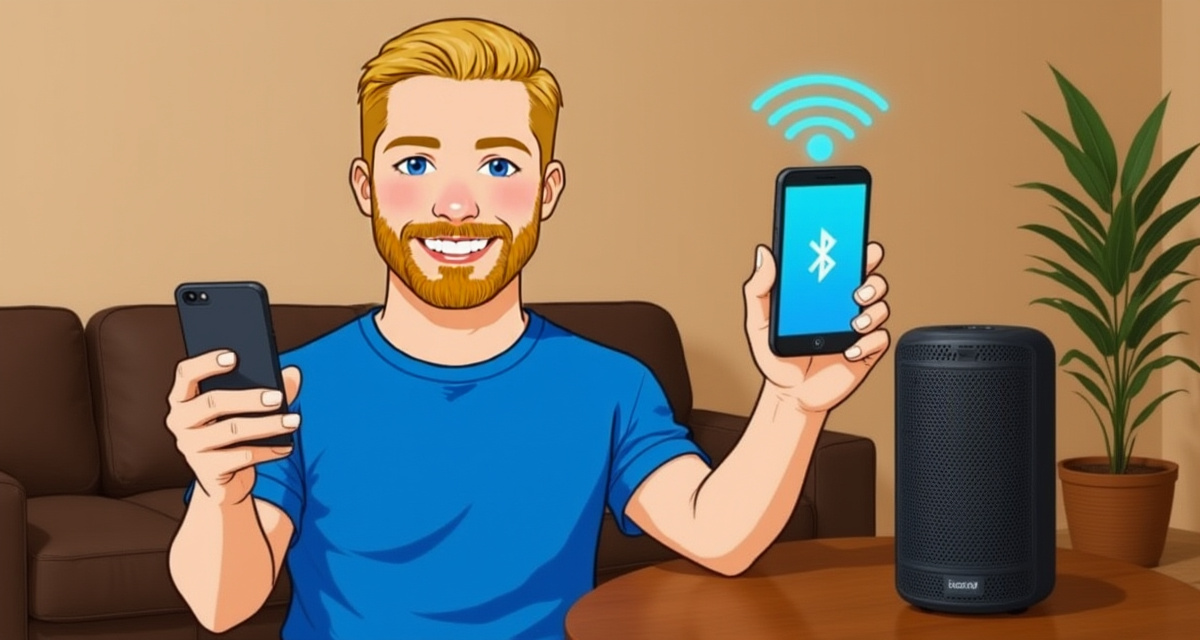
Learn how to connect a Bluetooth speaker to your iPhone to play music and audio wirelessly.
Learn how to display photos, videos, and apps from your phone on your television using screen mirroring.
Learn how to copy and paste text on iPhone and Android with simple step-by-step instructions for messages, websites, and apps.
Learn how to organize your photos into albums so you can find them easily later.
Learn how to delete apps you no longer need from your iPhone to free up space and keep your phone organized.
Learn how to switch your iPhone to dark mode, which uses a dark background and is easier on your eyes at night.
Learn how to silence notifications, calls, and alerts so you can sleep, rest, or focus without interruptions.
Learn how to locate your phone when you have lost it at home or elsewhere, using built-in tracking features.
Set up your Gmail, Yahoo, or Outlook email on your iPhone or Android phone so you can read and send emails from anywhere.
Customize the sound your phone makes when someone calls you. Choose from built-in ringtones on iPhone or Android.
Learn how to make your phone louder or quieter for calls, music, alarms, and notifications.
Learn how to close apps that are running in the background on iPhone or Android to save battery and speed up your phone.
Learn how to delete individual messages or entire conversations on your iPhone or Android phone.
Save your phone photos to your computer for safekeeping or to free up space on your phone.
Make text easier to read on your iPhone or Android phone by increasing the font size in Settings.
Learn how to turn your iPhone off and on again. Restarting fixes most common problems like freezing, slow performance, and app crashes.
Connect your phone to Wi-Fi to use the internet without using mobile data. Saves money and often gives you a faster connection.
Make a video call to see your family face-to-face using FaceTime, WhatsApp, or Google Meet. Works on any phone.

Learn how to increase the text size on your Android phone so everything is easier to read.
Learn how to increase the text size on your iPhone so everything is easier to read.
Learn how to download and install apps on your Android phone using the Google Play Store.
Learn how to set up and use Apple Pay or Google Pay to tap and pay at shops without needing your wallet.
Learn how to print a photo, document, or web page directly from your iPhone or Android phone to a wireless printer.
Learn how to record your voice, a conversation, or a meeting using your phone's built-in voice recorder.
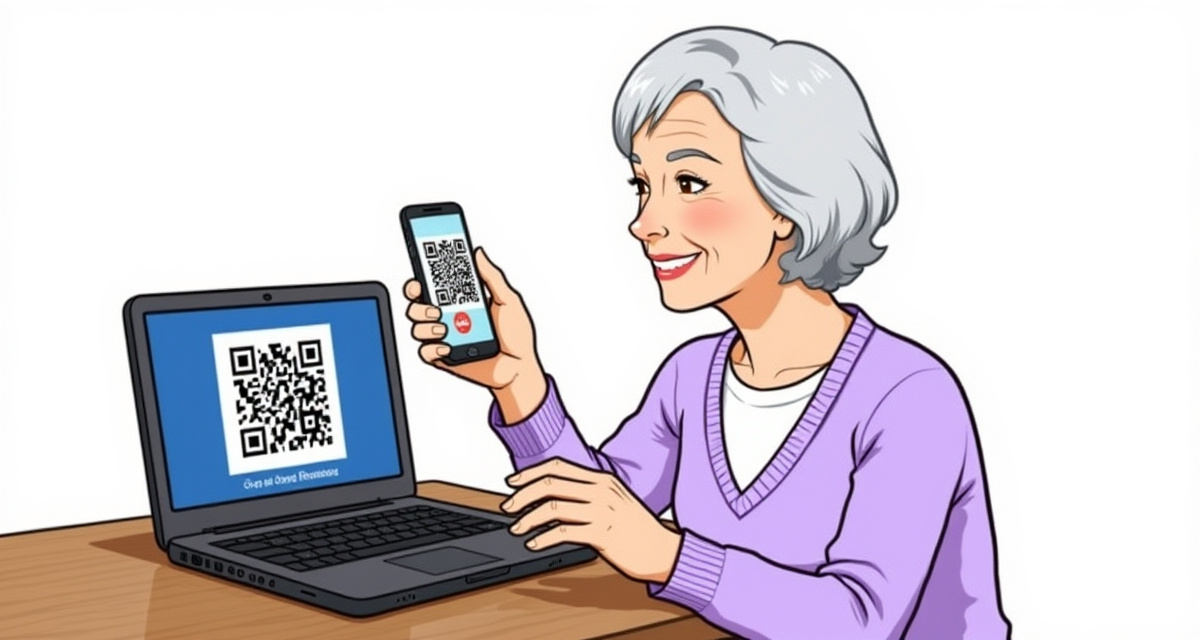
Learn how to use your phone's camera to scan QR codes -- those small square patterns you see on menus, tickets, and posters.
Learn how to attach and send a photo from your phone gallery in a text message (SMS or iMessage).

Learn how to set an alarm on your iPhone so you never miss a wake-up call or important reminder.
Learn how to set a countdown timer on your iPhone or Android phone for cooking, exercise, or reminders.
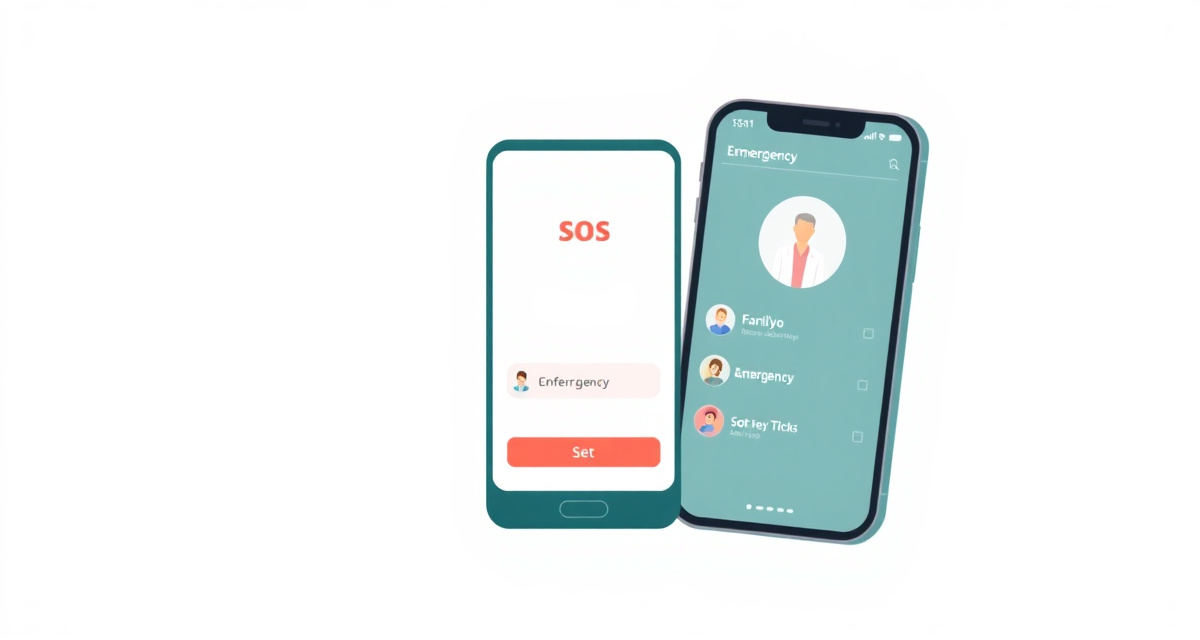
Learn how to add emergency contacts and set up Medical ID on iPhone and Android so first responders can reach your family in an emergency.

Learn how to share your real-time location with family members on iPhone and Android so they always know where you are.
Learn how to capture your Android phone screen as a photo in seconds, on any brand or model.

Learn how to capture your iPhone screen as a photo in just a few seconds.
Learn how to stop unwanted notifications from apps on your iPhone so your phone is less noisy and distracting.
Learn how to use your phone as a flashlight. Simple steps for iPhone and Android.
Learn how to update your iPhone to the latest version of iOS to get new features and important security fixes.
Learn how to check for and install software updates on your Android phone to get new features and security fixes.
Learn how to update the software on your iPhone or Android phone to get new features, fix problems, and stay protected from security threats.
Step-by-step instructions to connect a Windows or Mac computer to a Wi-Fi network so you can use the internet.
Step-by-step instructions to connect a printer to your computer using a USB cable or Wi-Fi, so you can print documents and photos from home.
Learn the simple steps to copy and paste text, files, and images on a Windows or Mac computer using your keyboard or mouse.
Learn how to search for and find documents, photos, and other files on your Windows or Mac computer when you cannot remember where you saved them.
A simple guide to safely downloading and installing programs on a Windows computer, including how to use the Microsoft Store.
Learn how to save documents, photos, and other files on your computer so you never lose your work.
Learn how to capture what is on your screen on Windows or Mac, and how to save, find, and share your screenshots.
Learn how to safely remove programs from your Windows computer to free up space and keep it running smoothly.
Learn how to plug in a USB flash drive, copy files to it, and safely remove it from your Windows or Mac computer.
A clear explanation of the differences between desktop computers and laptops, so you can understand which one you have and which might be right for you.
Learn how to create folders, move files, and keep your computer organized so you can find things easily.
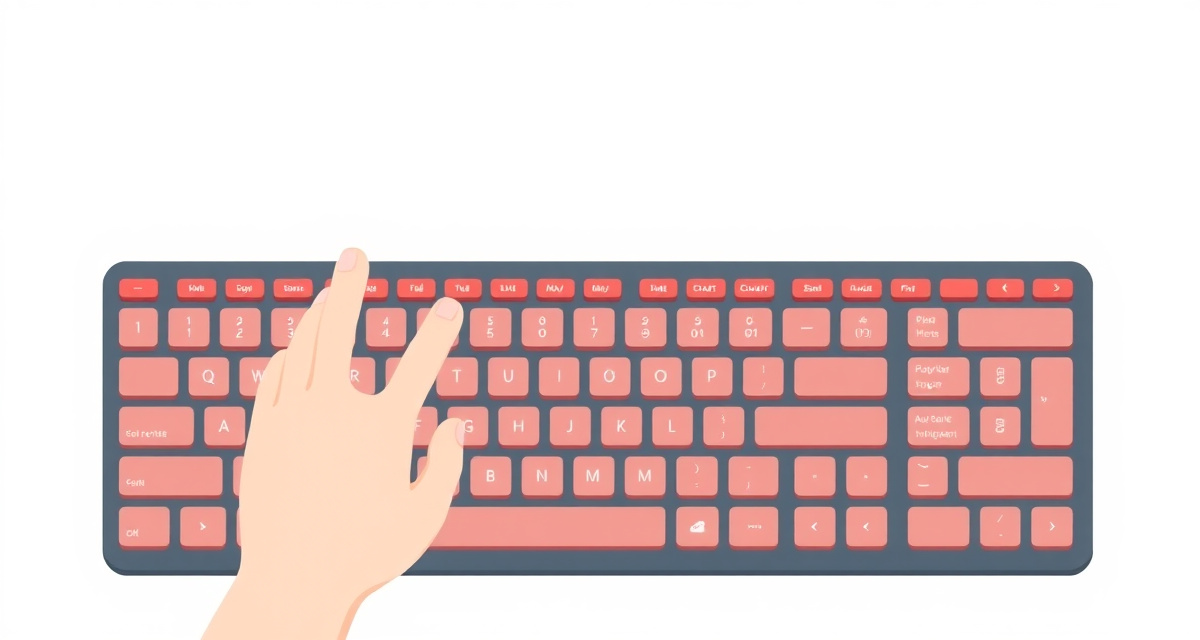
Learn the essential keys on a computer keyboard: typing letters, using Shift, Backspace, Enter, and special keys.

Learn the basics of using a computer mouse: clicking, double-clicking, right-clicking, and scrolling.
Learn how to connect your Android phone to a Wi-Fi network so you can use the internet without using your mobile data.
Learn how to shop online safely from your phone, avoid scams, and make secure purchases on trusted websites and apps.
Learn how to delete your browsing history, cookies, and saved data in Safari and Chrome on your phone. A simple guide to protect your privacy.
Learn how to share your phone's internet connection with other devices using a personal hotspot. A step-by-step guide for iPhone and Android.
Learn how to pay your bills online from your phone using your bank app or a payment website. A simple guide for beginners who want to stop mailing checks.
Learn how to change your Wi-Fi password to keep your home network safe and secure.

Learn how to connect your phone to public Wi-Fi networks at hotels, cafes, and airports with simple step-by-step instructions for iPhone and Android.
Learn how to connect your Android phone to a Wi-Fi network at home, at a cafe, or anywhere else.
Learn how to connect your iPhone to a Wi-Fi network at home, at a cafe, or anywhere else.
Learn how to create a free Google account to use Gmail, YouTube, Google Maps, and more.
Learn how to bookmark your favorite websites so you can find them quickly without searching again.
Learn how to share your home Wi-Fi password with a guest without having to remember or type the whole thing.
Learn how to use your phone camera to instantly translate signs, menus, labels, and documents into your language using Google Translate or Apple Translate.
Learn how to find and listen to podcasts on your iPhone or Android phone. A simple step-by-step guide for beginners who have never used podcasts before.
Learn how to use iCloud Photos to back up your pictures automatically, access them on all your devices, and free up storage on your iPhone.
Learn how to use the Reminders app on your iPhone to create to-do lists, set reminders for appointments, and never forget important tasks.
Learn how to install the Kindle app, find books, and read eBooks on your phone. A beginner-friendly guide with tips for making text larger and reading.
Learn how to order food delivery using apps like Uber Eats or DoorDash. A simple guide to get a meal delivered to your door.
Learn how to use the Apple Health app on your iPhone to track your steps, monitor your health data, and share information with your doctor.
Learn how to set up and use Netflix on your phone to watch movies and TV shows. A simple step-by-step guide for beginners.
Learn how to add events, set reminders, and use the calendar app on your iPhone or Android phone so you never miss an appointment.
Learn how to download Google Maps or Apple Maps to your phone so you can navigate without an internet connection while travelling.
Learn how to create, edit, and organize notes on your iPhone or Android phone to keep track of shopping lists, reminders, and important information.
Learn how to make a WhatsApp group to chat with family, friends, or neighbors all at once.
Learn how to save photos received on WhatsApp to your iPhone's photo library.
Learn how to send a photo to your loved ones via WhatsApp in a few simple steps.
Learn how to record and send a voice message on WhatsApp instead of typing, for quick and personal communication.
Learn how to share your current location or live location with someone on WhatsApp so they can find you easily.
Learn how to use Google Maps on your phone to search for places, get step-by-step directions, and navigate while driving or walking.
Learn how to use Google Maps on your phone to get step-by-step directions to any destination.
Learn how to use Google Translate to translate words, sentences, or even signs and menus using your phone.
Learn how to use Google Photos to back up your pictures to the cloud, find old photos quickly, and free up space on your phone.
Learn how to use Google Maps or Apple Maps to find bus, train, and metro routes with step-by-step directions.
Learn how to set up Spotify and play your favorite songs, artists, and playlists for free.
Learn how to download Uber, set up your account, and book your first ride step by step.
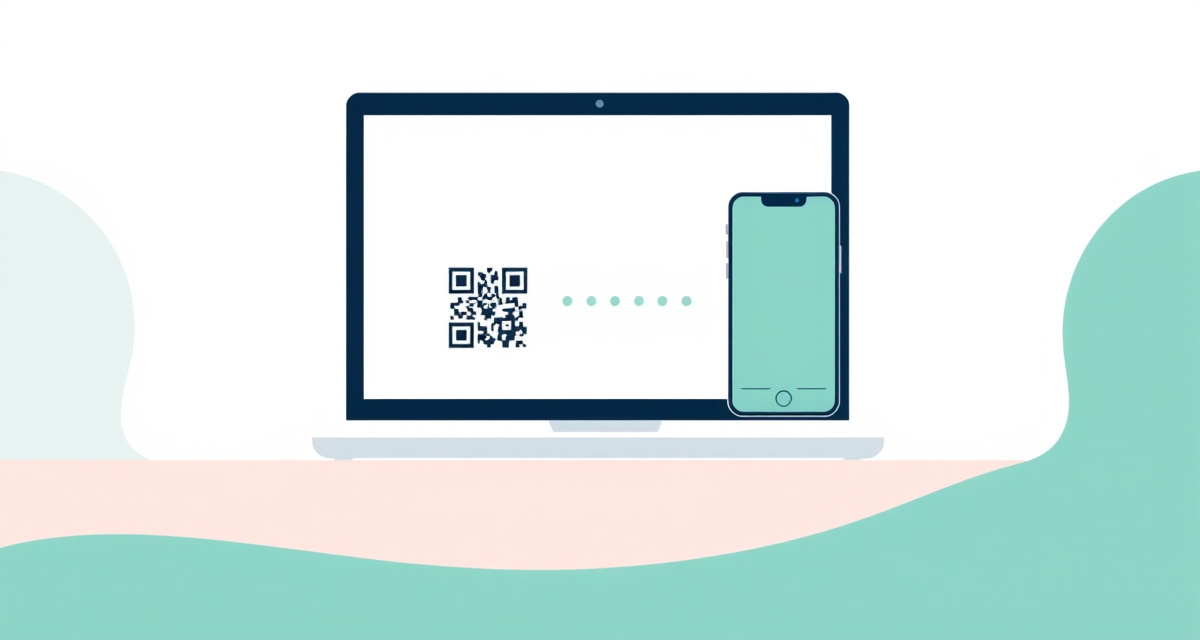
Learn how to open WhatsApp on your computer so you can type messages with a full keyboard.
Learn how to use Facebook on your phone to stay in touch with family and friends, share photos, and read updates from people you know.
Learn how to use YouTube on your phone to watch videos, search for topics you enjoy, and subscribe to channels you like.
Learn how to spot fake emails that try to steal your personal information, and what to do if you receive one.
Learn how to add an extra layer of security to your accounts by setting up two-factor authentication on your iPhone.
Learn how to turn on automatic updates on your iPhone or Android phone so your apps and system stay secure and up to date without any effort.
Learn how to block unwanted spam emails in Gmail, Yahoo, or Outlook on your phone. A simple guide to keep your inbox clean and avoid scam messages.
Learn how to save and manage your passwords safely on your iPhone or Android phone using the built-in password manager, so you never have to remember them all.
Learn how to add two-factor authentication to your email, social media, and banking accounts to protect them from hackers.
Learn how to lock your phone with a PIN, pattern, or fingerprint so no one else can access your personal information.

Learn how to create strong and secure passwords that protect your online accounts from hackers and unauthorized access.
Learn how to recognize scam messages, phishing emails, and fraudulent phone calls so you can protect yourself and your personal information.
Learn the warning signs of fraudulent emails and protect yourself from phishing, fake invoices, and online scams.
Learn how to set up Face ID on your iPhone to unlock your phone, approve purchases, and sign in to apps using just your face.
Learn how to make a video call on WhatsApp so you can see and talk to your family and friends face to face.
Learn how to make free voice calls to anyone in the world using WhatsApp on your phone. A simple step-by-step guide for beginners.
Learn how to record and send short video messages on WhatsApp. A simple guide for beginners who want to send personal video clips to friends and family.
Learn how to create a WhatsApp broadcast list to send the same message to many contacts at once, without creating a group. A simple step-by-step guide.
Learn how to post a WhatsApp Status update with photos or text, view other people's statuses, and understand how long they last.
Learn how to create a WhatsApp group to stay in touch with your family, share photos, and plan events together in one conversation.
Learn how to share your current location or live location on WhatsApp so family and friends can find you easily.
Learn how to install and use Telegram on your phone to send messages, photos, and voice notes to family and friends.
Learn how to send photos to family members using WhatsApp, email, or a shared album on your iPhone or Android phone.
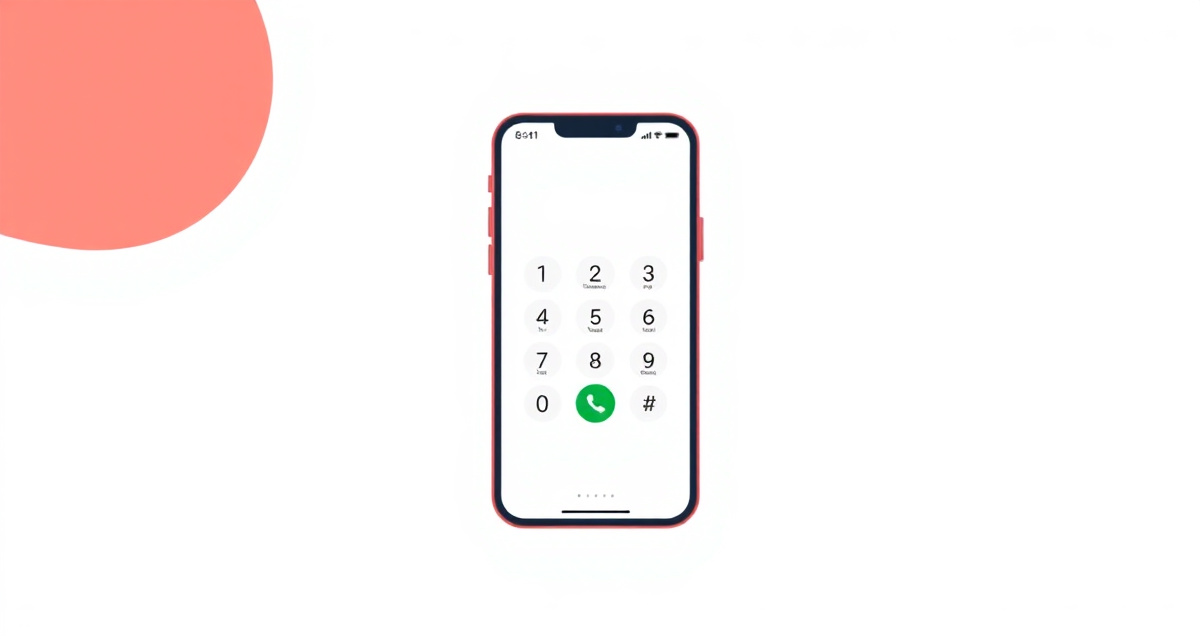
Learn how to call someone on your Android phone using the Phone app, your contacts, or by dialing a number.
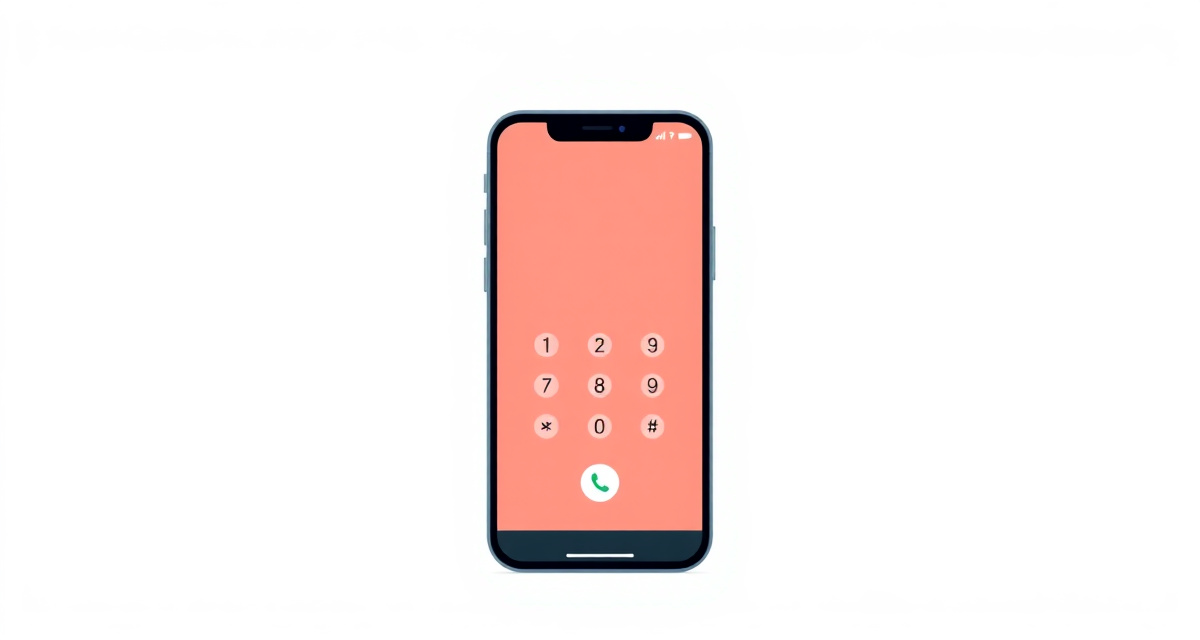
Learn how to call someone on your iPhone using the Phone app, your contacts, or by dialing a number.
Learn how to write and send an email using Gmail, step by step.
Learn how to attach and send a photo by email on iPhone and Android with simple step-by-step instructions for Gmail and other email apps.
Learn how to send a text message (SMS or iMessage) to someone using the Messages app on your iPhone.
Learn how to add your email account (Gmail, Outlook, Yahoo, or others) to the Mail app on your iPhone.
Learn how to install WhatsApp, verify your phone number, and start messaging for free.
Learn how to start a FaceTime video call on your iPhone to see and talk to family and friends.
Learn how to make a FaceTime video call on your iPhone to see your loved ones live.
Learn how to join a Zoom meeting on your phone or computer when someone sends you an invitation link.
Learn how to add your email account to your Android phone so you can send and receive messages.
Learn how to set up voicemail on your iPhone or Android phone so callers can leave you a message when you cannot answer.
Learn how to ask ChatGPT to explain any topic in simple, easy-to-understand language. Perfect for understanding news, technology, or anything you are curious about.
Learn how criminals use artificial intelligence to clone voices and trick people into sending money. Know what to do to protect yourself and your family.
Learn how to spot images that were created by artificial intelligence. Know the common signs and how to verify if a photo is real or generated by AI.
Simple ways to explain artificial intelligence to children. Use everyday examples and analogies to help kids understand what AI is and what it cannot do.
Learn how to spot text that was written by artificial intelligence. Know the common signs and why it matters for avoiding scams, fake reviews, and misinformation.
Learn how to use ChatGPT to compare products, understand the differences between options, and make better buying decisions. Always verify prices on real store websites.
Learn how to use ChatGPT to understand medical terms, prepare for doctor visits, and research health topics safely. AI is not a doctor and should never replace professional medical advice.
Learn how to use ChatGPT to get destination ideas, create itineraries, and plan your travels. Always verify AI suggestions before booking anything.
Learn how to use ChatGPT to turn a long article, document, or message into a short summary. Save time by getting the key points quickly.
Learn how to use ChatGPT or another AI tool to help you write emails quickly. The AI drafts the message, and you review it before sending.
Learn how to use ChatGPT or Google Translate to translate text between languages. Get natural-sounding translations for messages, documents, and conversations.
Learn how to use Google Gemini, Google's AI assistant. Ask questions, get help with writing, and explore images using your Google account.
Learn how to use Microsoft Copilot, Microsoft's free AI assistant. Ask questions, get help with writing, and use it in your browser or on Windows.
Learn how to verify information from ChatGPT and other AI tools. AI can be helpful but it can also be wrong. Know how to double-check before trusting an answer.
Learn what personal information you should keep private when using AI tools like ChatGPT, Gemini, or Copilot. Protect your privacy and stay safe online.
Learn how to activate and use Siri, the voice assistant on iPhone, to make calls, set reminders, get answers, and more.

A clear, step-by-step guide to understanding and using ChatGPT, the AI assistant that can answer questions, write text, and help with everyday tasks.
Learn how to access your Ameli account to check health insurance reimbursements, download attestations, and manage your French social security online.
Learn how to use Doctolib to find a doctor and book a medical appointment online from your phone or computer, step by step.
Learn how to set up and use the IO app to access Italian government services, receive official messages, and make payments from your phone.
Learn how to set up and use the NHS App to book GP appointments, order repeat prescriptions, view your health records, and access NHS services from your phone.
Learn how to use your bank's mobile app to check your account balance, view recent transactions, and manage your money safely from your phone.
Learn how to add your bank card to Apple Pay and pay in stores using your iPhone.
Learn how to add your bank card to Google Pay and pay in stores using your Android phone.
Learn how to set up and use Orange Money on your phone to send money, pay bills, and make purchases using your mobile phone in Africa.

Learn how to recover a deleted photo on iPhone or Android using the Recently Deleted folder, with simple step-by-step instructions.
Learn how to block unknown callers, spam calls, and robocalls on iPhone and Android with simple settings you can turn on right now.
Learn how to fix the problem when you cannot hear the other person during a phone call on your iPhone or Android.

Locked out of your account? Learn how to recover your password for email, social media, and other accounts.

Learn how to recover your password for email, apps, and your phone when you have forgotten it.
Your phone screen is stuck and nothing responds to your touch. Here is how to fix it step by step.
Learn how to make your slow iPhone or Android phone faster with simple steps that free up memory and storage space.
Learn how to fix a frozen phone screen that will not respond to touch, with simple steps for iPhone and Android.
Learn how to free up space on your phone when you see the storage full warning, step by step.
Your phone says there is no more space. Learn how to free up storage and make your phone work smoothly again.
Learn why your phone battery drains quickly and how to make it last longer with simple settings changes on iPhone and Android.
Learn how to fix your phone when it refuses to connect to a Wi-Fi network, with simple steps for iPhone and Android.
Learn what to do when your WhatsApp messages show only one check mark or won't send at all.