Easy all
How to Connect Your Computer to Wi-Fi
Step-by-step instructions to connect a Windows or Mac computer to a Wi-Fi network so you can use the internet.
Simple, clear step-by-step computer guides. Follow at your own pace.
13 guidesStep-by-step instructions to connect a Windows or Mac computer to a Wi-Fi network so you can use the internet.
Step-by-step instructions to connect a printer to your computer using a USB cable or Wi-Fi, so you can print documents and photos from home.
Learn the simple steps to copy and paste text, files, and images on a Windows or Mac computer using your keyboard or mouse.
Learn how to search for and find documents, photos, and other files on your Windows or Mac computer when you cannot remember where you saved them.
A simple guide to safely downloading and installing programs on a Windows computer, including how to use the Microsoft Store.
Learn how to save documents, photos, and other files on your computer so you never lose your work.
Learn how to capture what is on your screen on Windows or Mac, and how to save, find, and share your screenshots.
Learn how to safely remove programs from your Windows computer to free up space and keep it running smoothly.
Learn how to plug in a USB flash drive, copy files to it, and safely remove it from your Windows or Mac computer.
A clear explanation of the differences between desktop computers and laptops, so you can understand which one you have and which might be right for you.
Learn how to create folders, move files, and keep your computer organized so you can find things easily.
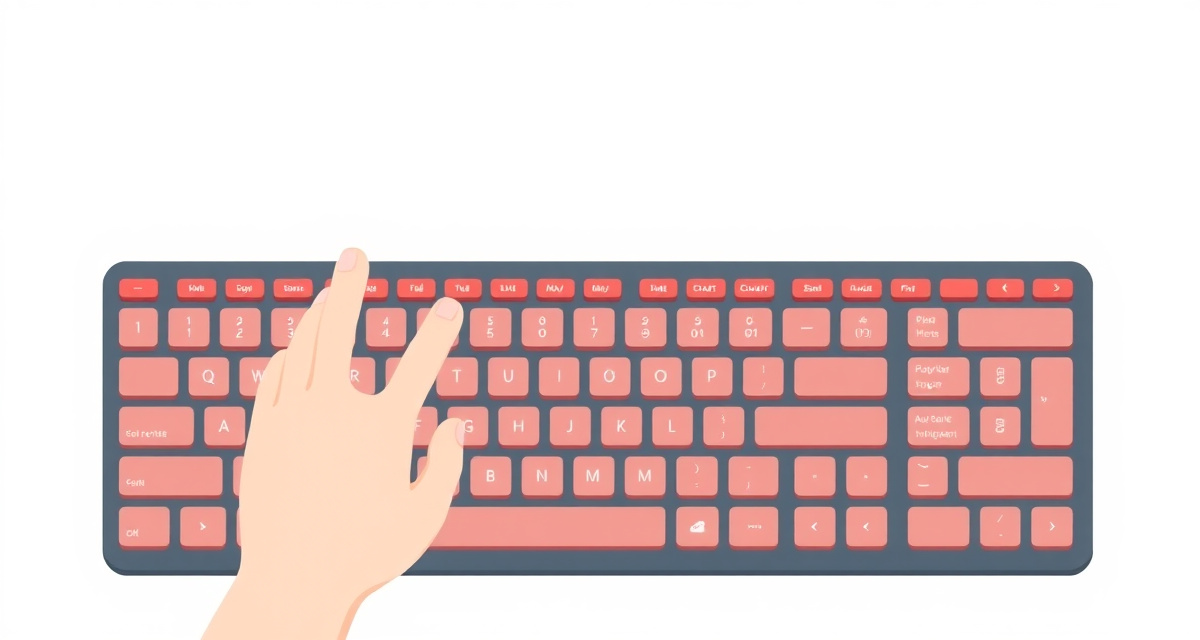
Learn the essential keys on a computer keyboard: typing letters, using Shift, Backspace, Enter, and special keys.

Learn the basics of using a computer mouse: clicking, double-clicking, right-clicking, and scrolling.