Easy Web
How to recognize a phishing email
Learn how to spot fake emails that try to steal your personal information, and what to do if you receive one.
Simple, clear step-by-step security guides. Follow at your own pace.
11 guidesLearn how to spot fake emails that try to steal your personal information, and what to do if you receive one.
Learn how to add an extra layer of security to your accounts by setting up two-factor authentication on your iPhone.
Learn how to turn on automatic updates on your iPhone or Android phone so your apps and system stay secure and up to date without any effort.
Learn how to block unwanted spam emails in Gmail, Yahoo, or Outlook on your phone. A simple guide to keep your inbox clean and avoid scam messages.
Learn how to save and manage your passwords safely on your iPhone or Android phone using the built-in password manager, so you never have to remember them all.
Learn how to add two-factor authentication to your email, social media, and banking accounts to protect them from hackers.
Learn how to lock your phone with a PIN, pattern, or fingerprint so no one else can access your personal information.
Learn how to create strong and secure passwords that protect your online accounts from hackers and unauthorized access.
Learn how to recognize scam messages, phishing emails, and fraudulent phone calls so you can protect yourself and your personal information.
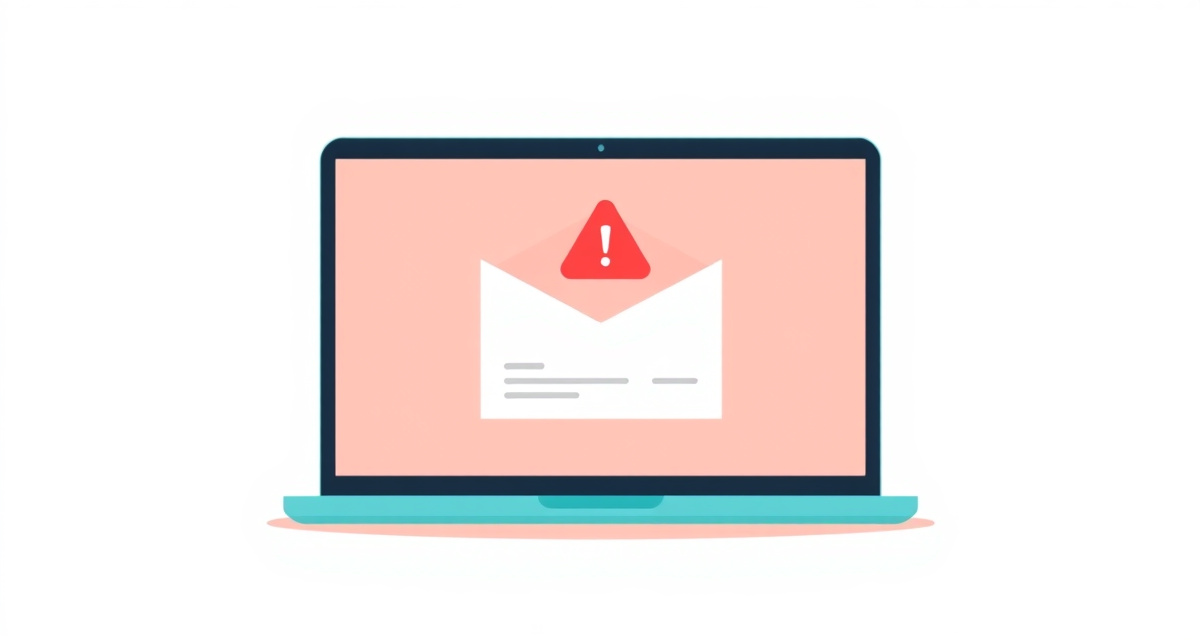
Learn the warning signs of fraudulent emails and protect yourself from phishing, fake invoices, and online scams.
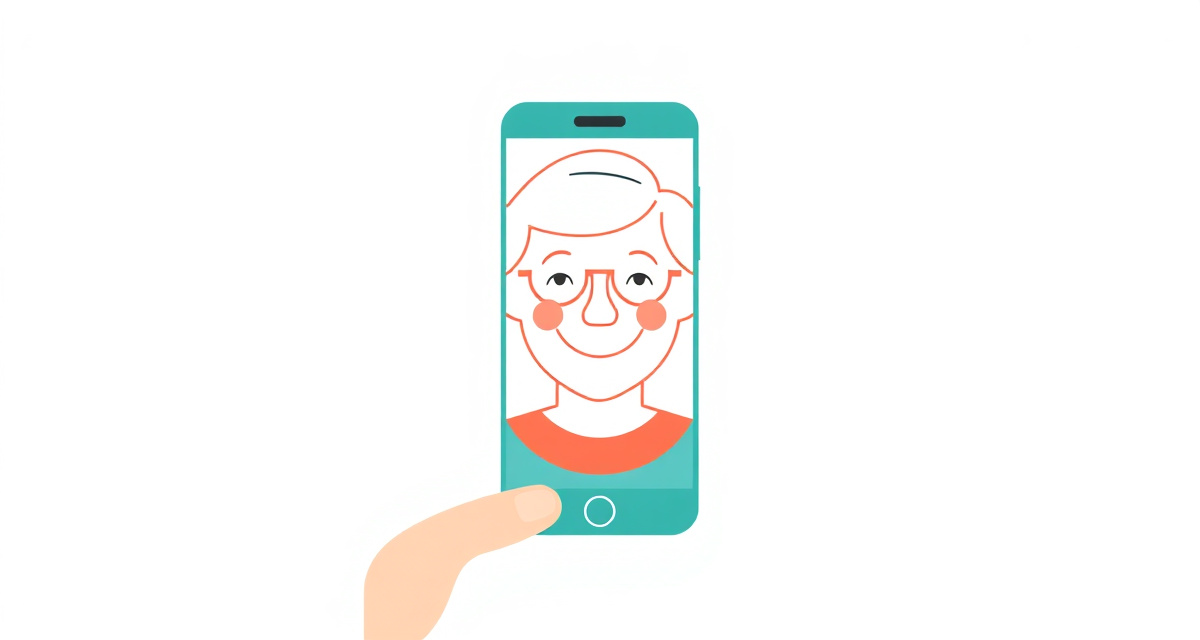
Learn how to set up Face ID on your iPhone to unlock your phone, approve purchases, and sign in to apps using just your face.