Easy iPhone
How to make the text bigger on your phone
Learn how to increase the text size on your iPhone so everything is easier to read.
Simple, clear step-by-step smartphone guides. Follow at your own pace.
62 guidesLearn how to increase the text size on your iPhone so everything is easier to read.
Learn how to enlarge the keyboard on your iPhone or Android phone so you can type more easily. A simple guide with tips for bigger keys and fewer mistakes.
Learn how to set up and use the Emergency SOS feature on your iPhone or Android phone to quickly call for help and share your location.
Learn how to record a video of your phone screen on iPhone or Android. Useful for saving a tutorial, showing a problem, or recording a video call.
Learn how to pair and connect your Bluetooth hearing aid to an iPhone or Android phone so you can hear phone calls, music, and notifications directly in.
Learn how to set up a new iPhone or Android phone step by step, including how to transfer contacts, photos, and apps from your old phone.
Learn how to check your mobile data usage on your iPhone or Android phone so you can avoid going over your data limit and being charged extra.
Learn how to enable Wi-Fi calling on your iPhone or Android phone so you can make and receive calls even when your mobile signal is weak, using your Wi-Fi.
Learn how to use AirDrop on your iPhone, iPad, or Mac to send photos, documents, and other files to nearby Apple devices quickly and without using the internet.
Learn how to add your medical information and emergency contacts to your iPhone or Android phone so first responders can access it in an emergency.
Learn how to move photos from your iPhone or Android phone to your Windows PC or Mac computer using a USB cable.
Learn how to speak instead of typing on your iPhone or Android phone to write messages, emails, and notes using your voice.
Learn how to connect your iPhone or Android phone to a wireless printer and print documents, photos, and emails directly from your phone.
Learn how to use the magnifier feature on your iPhone or Android phone to zoom in on small text like medicine labels, menus, and price tags.
Learn how to use your iPhone or Android phone to scan documents like letters, receipts, and forms and save them as PDF files you can share.
Learn how to use your iPhone or Android phone to set daily medication reminders so you never forget to take your pills on time.
Learn how to make your phone louder or quieter for calls, videos, alarms, and ringtones on iPhone and Android.

Learn how to save a phone number as a contact on your iPhone so you can call or message them easily.
Learn how to set a photo for any contact so you can see their face when they call you.
Learn how to make your phone screen brighter or dimmer for comfortable viewing in any light.
Learn how to back up your iPhone or Android phone to the cloud so your photos, contacts, and messages are safe even if you lose your phone.
Learn how to block unwanted calls and messages on your iPhone in a few simple steps.
Learn how to see how much storage space is left on your Android phone and find out what is using the most space.
Learn how to use the built-in weather app on your phone to check today's forecast and plan your day.
Learn how to check your iPhone storage and free up space by removing files, apps, and photos you no longer need.
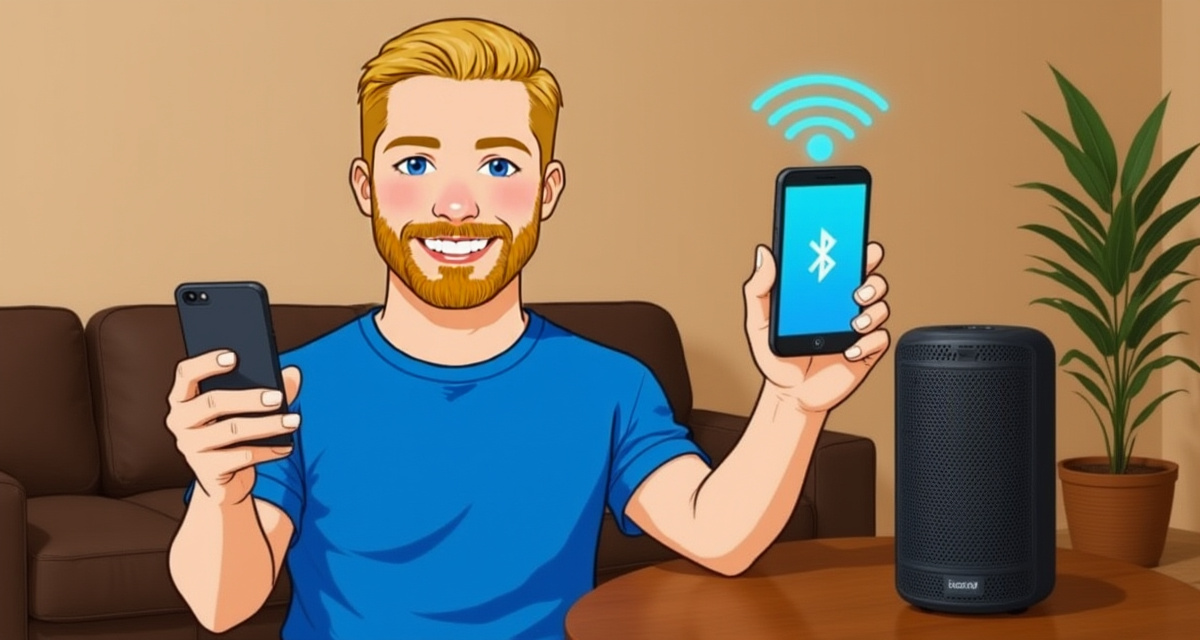
Learn how to connect a Bluetooth speaker to your iPhone to play music and audio wirelessly.
Learn how to display photos, videos, and apps from your phone on your television using screen mirroring.
Learn how to copy and paste text on iPhone and Android with simple step-by-step instructions for messages, websites, and apps.
Learn how to organize your photos into albums so you can find them easily later.
Learn how to delete apps you no longer need from your iPhone to free up space and keep your phone organized.
Learn how to switch your iPhone to dark mode, which uses a dark background and is easier on your eyes at night.
Learn how to silence notifications, calls, and alerts so you can sleep, rest, or focus without interruptions.
Learn how to locate your phone when you have lost it at home or elsewhere, using built-in tracking features.
Set up your Gmail, Yahoo, or Outlook email on your iPhone or Android phone so you can read and send emails from anywhere.
Customize the sound your phone makes when someone calls you. Choose from built-in ringtones on iPhone or Android.
Learn how to make your phone louder or quieter for calls, music, alarms, and notifications.
Learn how to close apps that are running in the background on iPhone or Android to save battery and speed up your phone.
Learn how to delete individual messages or entire conversations on your iPhone or Android phone.
Save your phone photos to your computer for safekeeping or to free up space on your phone.
Make text easier to read on your iPhone or Android phone by increasing the font size in Settings.
Learn how to turn your iPhone off and on again. Restarting fixes most common problems like freezing, slow performance, and app crashes.
Connect your phone to Wi-Fi to use the internet without using mobile data. Saves money and often gives you a faster connection.
Make a video call to see your family face-to-face using FaceTime, WhatsApp, or Google Meet. Works on any phone.

Learn how to increase the text size on your Android phone so everything is easier to read.
Learn how to increase the text size on your iPhone so everything is easier to read.
Learn how to download and install apps on your Android phone using the Google Play Store.
Learn how to set up and use Apple Pay or Google Pay to tap and pay at shops without needing your wallet.
Learn how to print a photo, document, or web page directly from your iPhone or Android phone to a wireless printer.
Learn how to record your voice, a conversation, or a meeting using your phone's built-in voice recorder.
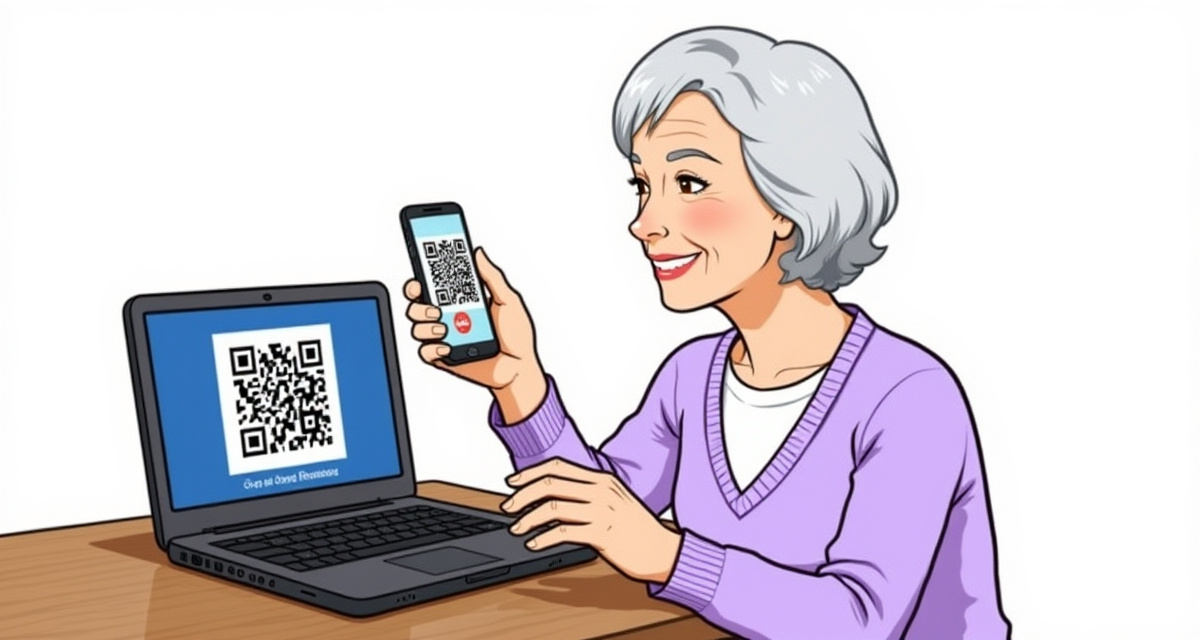
Learn how to use your phone's camera to scan QR codes -- those small square patterns you see on menus, tickets, and posters.
Learn how to attach and send a photo from your phone gallery in a text message (SMS or iMessage).
Learn how to set an alarm on your iPhone so you never miss a wake-up call or important reminder.
Learn how to set a countdown timer on your iPhone or Android phone for cooking, exercise, or reminders.
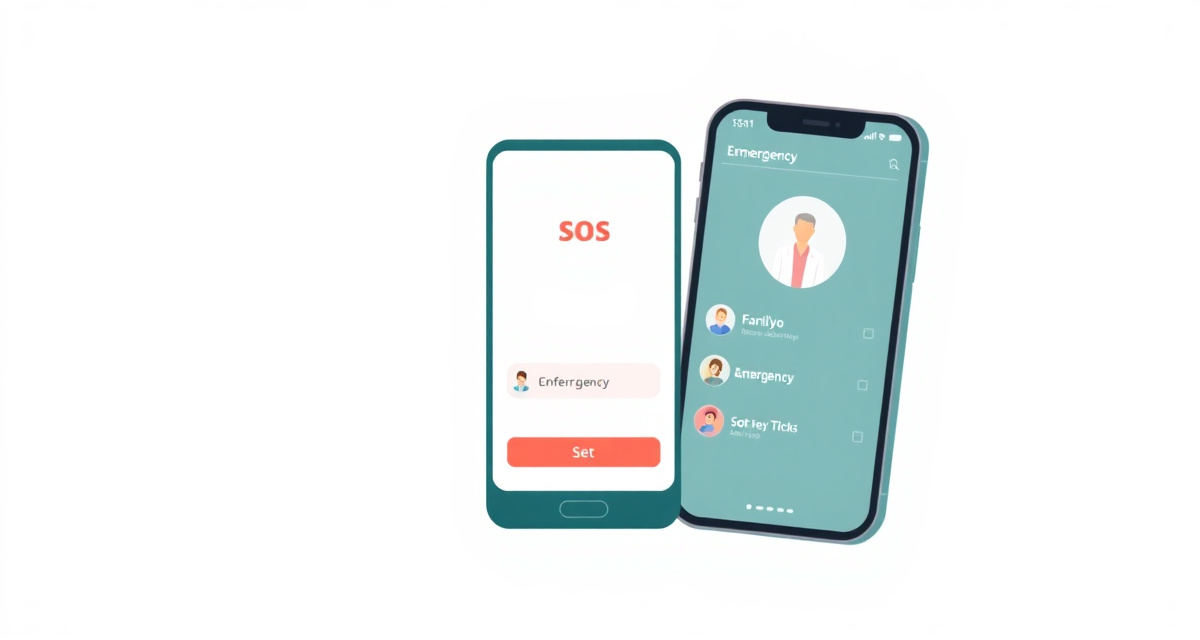
Learn how to add emergency contacts and set up Medical ID on iPhone and Android so first responders can reach your family in an emergency.

Learn how to share your real-time location with family members on iPhone and Android so they always know where you are.
Learn how to capture your Android phone screen as a photo in seconds, on any brand or model.
Learn how to capture your iPhone screen as a photo in just a few seconds.
Learn how to stop unwanted notifications from apps on your iPhone so your phone is less noisy and distracting.
Learn how to use your phone as a flashlight. Simple steps for iPhone and Android.
Learn how to update your iPhone to the latest version of iOS to get new features and important security fixes.
Learn how to check for and install software updates on your Android phone to get new features and security fixes.
Learn how to update the software on your iPhone or Android phone to get new features, fix problems, and stay protected from security threats.