How to make a phone call on iPhone
Learn how to call someone on your iPhone using the Phone app, your contacts, or by dialing a number.
What you will learn
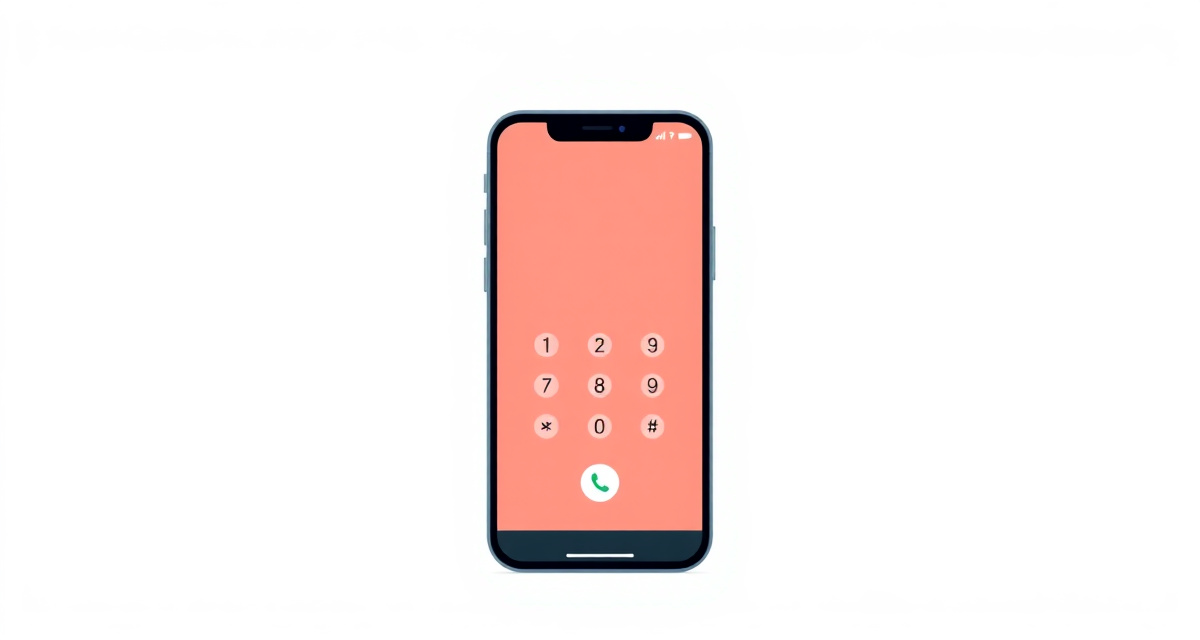
In this guide, you will learn how to make a phone call on your iPhone. You will learn how to call someone from your contacts and how to dial a phone number directly.
What you need
- An iPhone with an active phone plan or SIM card
The steps
Step 1: Open the Phone app
Find the Phone app on your home screen. It has a green icon with a white phone handset. Tap on it.
Step 2: Tap the Keypad tab
At the bottom of the screen, you will see several tabs. Tap Keypad. This shows a number pad where you can type a phone number.
Step 3: Dial the number
Use the number pad to type the phone number you want to call. Make sure to include the area code. If you are calling another country, start with the country code (for example, +1 for the United States).
Step 4: Tap the green call button
Once you have entered the full number, tap the green phone button at the bottom of the keypad. Your iPhone will start calling that number.
Step 5: End the call
When you are finished talking, tap the red button on your screen to hang up. The call will end immediately.
Helpful tips
- Call from Contacts: Instead of typing a number, tap Contacts at the bottom of the Phone app. Find the person you want to call and tap their name, then tap their phone number.
- Call from Recents: Tap Recents at the bottom to see numbers you have called or received recently. Tap any number to call it again.
- Emergency calls: You can always dial your local emergency number (such as 112 in Europe or 911 in the United States) even without a SIM card.
facil.guide
Scan to read online
Frequently asked questions
How do I call someone using their name instead of a number?
Open the Phone app and tap Contacts at the bottom. Find the person's name in the list and tap on it, then tap the phone icon or their number.
How do I put a call on speaker?
During a call, look at the buttons on your screen and tap the speaker icon. It looks like a triangle with sound waves. Tap it again to go back to normal.
What if someone does not answer?
You can try calling again later. You can also leave a voicemail if the person has it set up. A message will appear asking you to record after the beep.
Was this guide helpful?
Didn't find what you're looking for?
Tell us what guide you need and we will write it for you.