O que fazer quando esqueceu a sua palavra-passe
Bloqueado fora da sua conta? Aprenda a recuperar a sua palavra-passe.
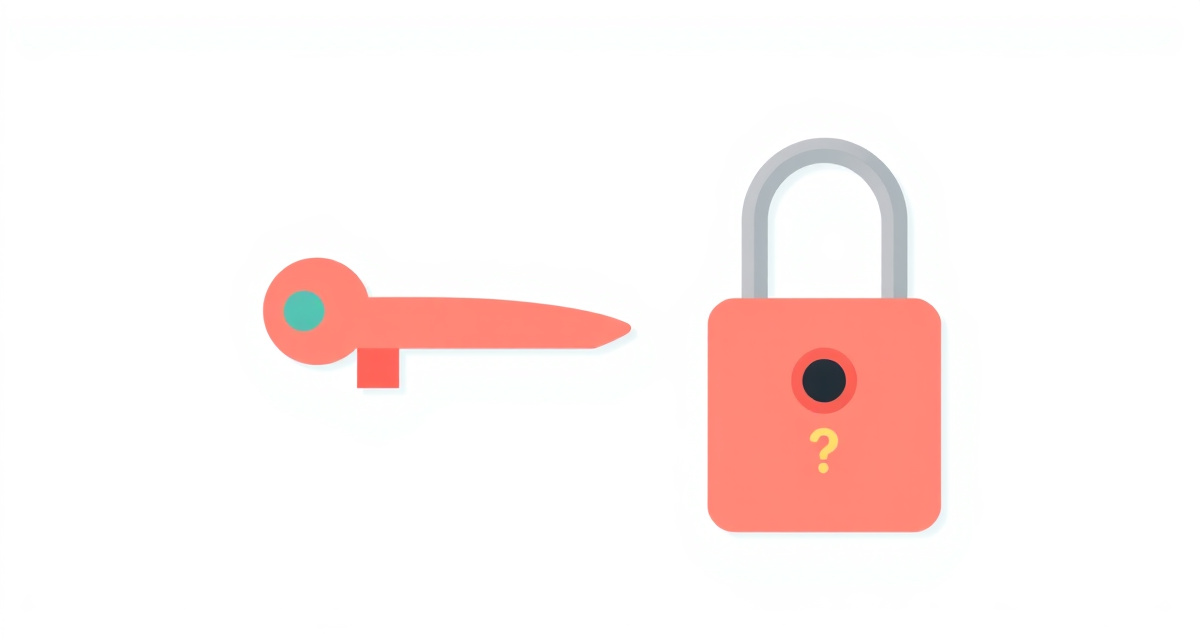
Passo 1 : Go to the login page
Open the website or app where you need to sign in. Look for the sign-in or login page where you normally type your email and password.
Passo 2 : Click “Forgot password”
Below or near the password field, you will see a link that says Forgot password? or Reset password or Need help signing in?. Click or tap on that link.
Passo 3 : Enter your email or phone number
The site will ask for the email address or phone number linked to your account. Type it carefully and click Next or Submit.
Passo 4 : Check for a recovery message
The site will send you an email or a text message with a link or a code to reset your password. Open your email inbox or check your text messages. If you do not see it, check the Spam or Junk folder.
Passo 5 : Create a new password
Click the link in the email or enter the code on the website. You will be asked to create a new password. Choose something you will remember. Type it twice to confirm, then click Save or Reset password. You can now sign in with your new password.
facil.guide
Scan to read online
Perguntas frequentes
What if I do not remember my email address either?
Try logging in with your phone number instead. Many services like Google and Apple let you recover accounts using a phone number.
What if I do not receive the recovery email?
Check your Spam or Junk folder. If it is not there, wait a few minutes and try again. Make sure you are checking the correct email address.
How can I avoid forgetting passwords in the future?
Write your passwords in a notebook kept in a safe place at home. Or use the password manager built into your phone -- it saves and fills passwords automatically.
Este guia foi útil?
Nao encontrou o que procura?
Diga-nos que guia precisa e nos escrevemos para si.