Como usar o rato do computador
Aprenda o básico do rato: clicar, duplo clique, clique direito e rolar.
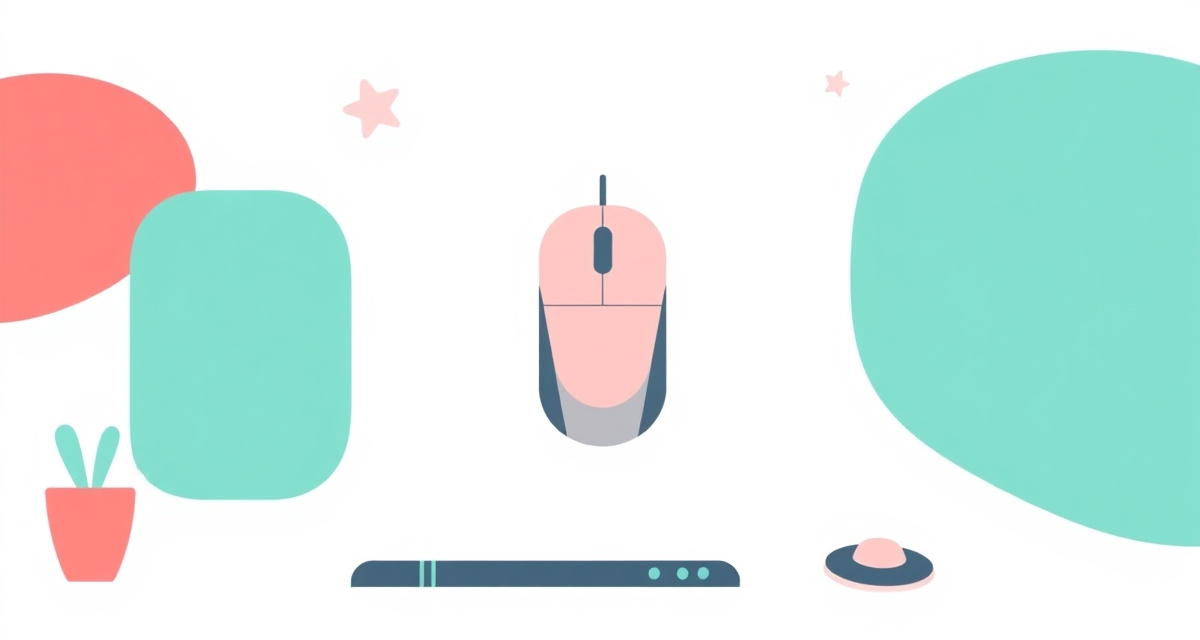
Passo 1 : Hold the mouse correctly
Place your hand over the mouse so it rests comfortably in your palm. Your index finger should rest on the left button, and your middle finger on the right button. Move the mouse on a flat surface to move the arrow (cursor) on the screen.
Passo 2 : Left click
Press the left button once with your index finger. This is called a “click.” You use it to select things, press buttons, and follow links. This is the action you will use most often.
Passo 3 : Double click
Press the left button twice quickly. This is called a “double-click.” You use it to open files, folders, and programs. The two clicks need to be fast — try tapping quickly twice.
Passo 4 : Right click
Press the right button once with your middle finger. This opens a small menu with extra options. For example, you can right-click on a file to see options like Copy, Delete, or Rename.
Passo 5 : Scroll
Most mice have a small wheel between the two buttons. Roll it up or down with your index finger to scroll through web pages, documents, and lists. This lets you move up and down a page without clicking anything.
facil.guide
Scan to read online
Perguntas frequentes
What is the difference between a click and a double-click?
A single click selects something or presses a button. A double-click opens something, like a file or a folder.
What is a trackpad?
A trackpad is the flat surface below the keyboard on a laptop. You move your finger across it to move the cursor, and tap it to click.
My cursor moves too fast or too slow. How do I fix it?
Go to your computer Settings, then Mouse or Trackpad, and adjust the speed slider.
Este guia foi útil?
Nao encontrou o que procura?
Diga-nos que guia precisa e nos escrevemos para si.